The Library
Rio's Library lives in the sidebar and holds your downloads, screenshots and other media, your spaces side by side, site tweaks and archived tabs. Open it with Cmd+Shift+L and drag any file straight into Gmail, Slack or Finder. Rio is a free, open-source browser for Mac, built on Chromium 158.
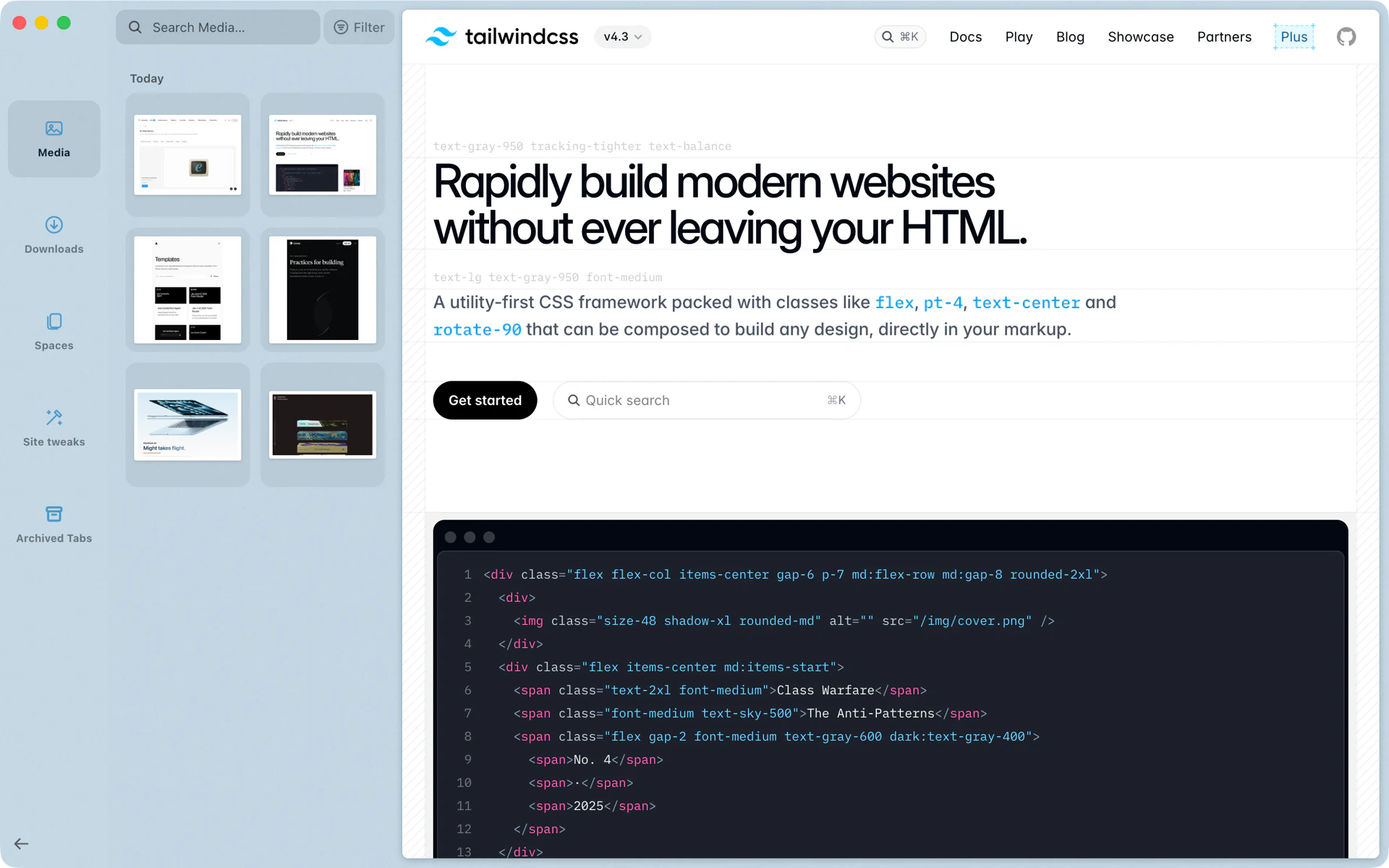
A screenshot, straight into Slack
You want to show a teammate a pricing table. Press Shift+Cmd+2 to start a capture. It lands in the Library under Media, at the top of Today. Drag it from the sidebar into your Slack message and send.
The PDF you downloaded an hour ago is under Downloads. Drag it into a Gmail draft the same way.
What is in the Library
- Media: screenshots and images, grouped by day, with search and a filter.
- Downloads: what you downloaded in Rio.
- Spaces: every space side by side, so you can see all your sidebars at once.
- Site tweaks: the tweaks you saved for websites.
- Archived Tabs: Today tabs Rio archived. By default that happens after 12 hours; you can choose 24 hours, 7 days or 30 days.
Opening it
Press Cmd+Shift+L, or pick Open Library in the command bar.
Questions
How do I open the Library?
Press Cmd+Shift+L, or choose Open Library from the command bar.
Where do my screenshots go?
Captures you take in Rio with Shift+Cmd+2 land in the Library's Media section, grouped by day.
Where do archived tabs go?
Today tabs that Rio archives, after 12 hours by default, are in the Library under Archived Tabs.
Can I drag files out of the Library?
Yes. Drag a download or a screenshot from the Library into Gmail, Slack, Finder or any app that takes files.
