Split view and Peek
Split view in Rio puts two to four pages side by side in one window, each pane with its own address bar. Peek opens a link over your page for a quick look: Shift-click any link. Rio is a free Chromium browser for Mac, and it brings your Arc setup over in one step.
Two pages, one window
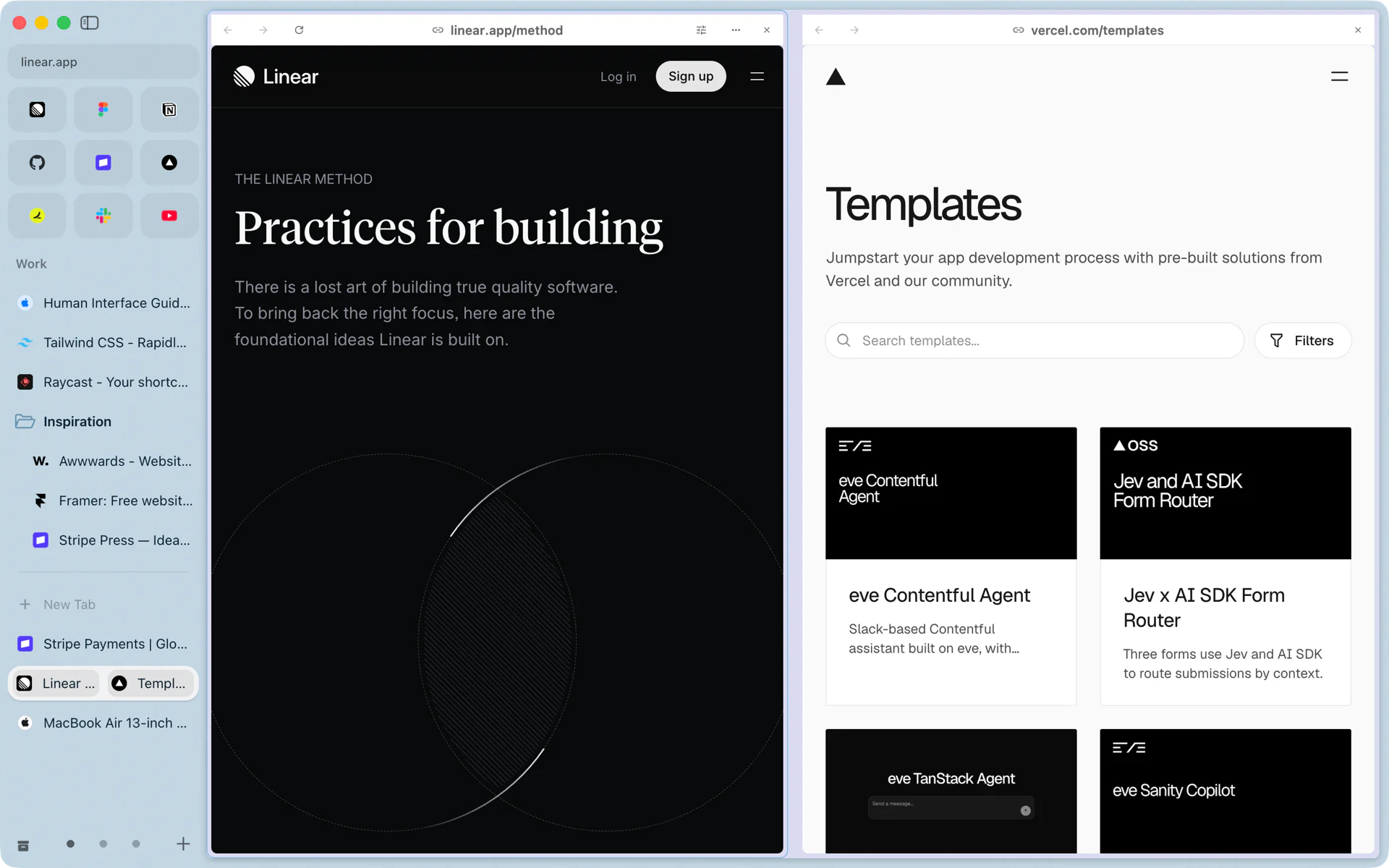
You are writing up how your team works in Linear and want Vercel's templates page open while you write. Press Ctrl+Shift+= to add a pane, or pick Add to Split View from a tab's menu in the sidebar. Linear sits on the left and Vercel on the right, each with its own address bar. In the sidebar the pair shows as one row.
- Add a pane: Ctrl+Shift+=, up to four.
- Move between panes: Ctrl+Shift+1 to Ctrl+Shift+4, or Ctrl+Shift+] and Ctrl+Shift+[.
- Take a pane out: Ctrl+Shift+-.
- From the sidebar: a tab's menu has Add to Split View and Open in Split.
A quick look with Peek
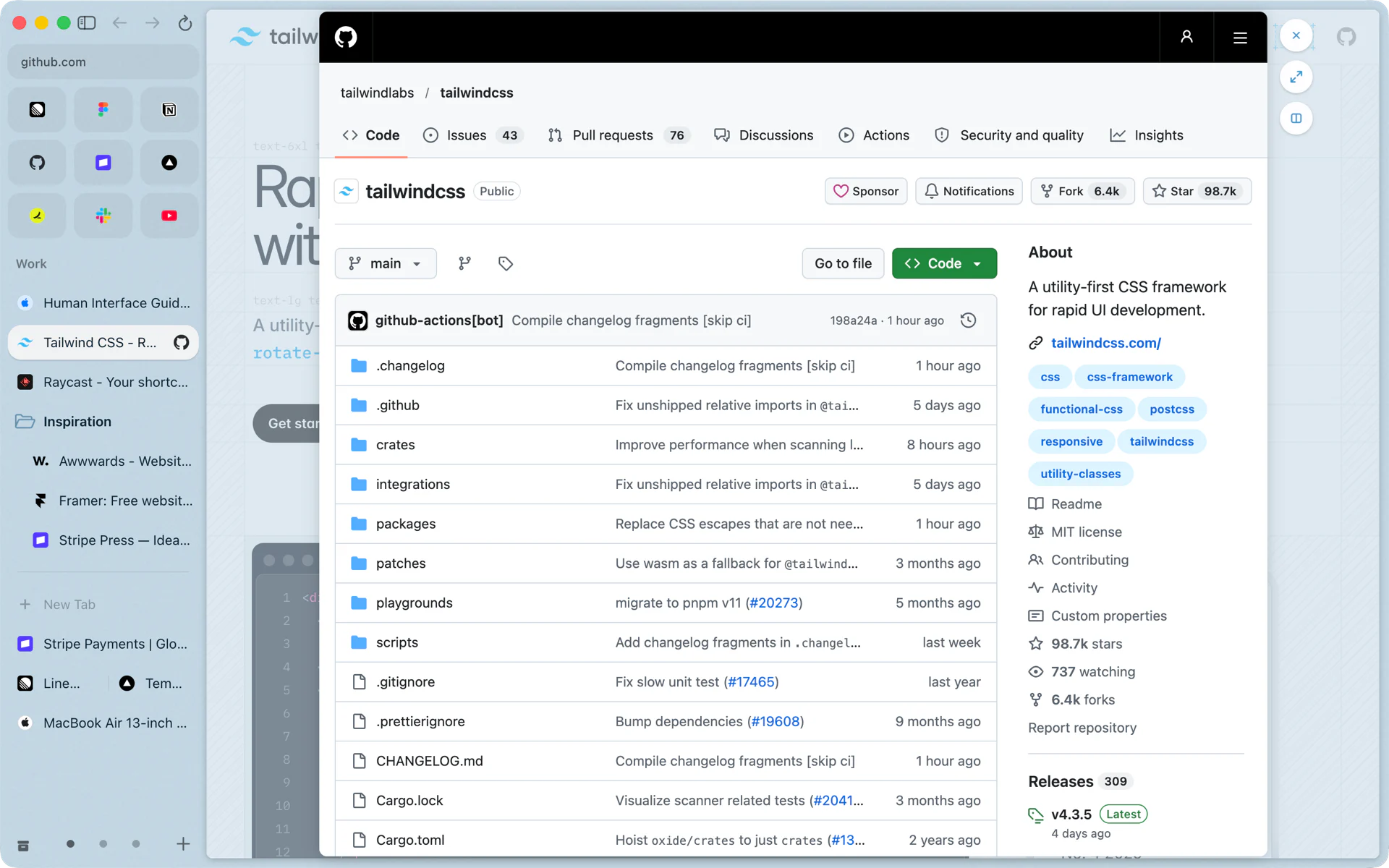
You are reading the Tailwind CSS docs and a link points to a GitHub repo. Shift-click it. The repo opens in Peek, a card over the page you were reading. Close it and you are back where you were. Keep it with one of its buttons: open it as a tab (Cmd+Shift+O) or open it in a split next to your page.
Links from your favorites and pinned tabs to other sites open in Peek too, so a pinned Gmail tab stays on Gmail when you click a link in an email. Both behaviors are on by default and live in Settings, Links.
Questions
How many pages can a split view hold?
Two to four. Ctrl+Shift+= adds a pane, Ctrl+Shift+- separates the current one, and Ctrl+Shift+1 to Ctrl+Shift+4 moves between panes.
How do I open a link in Peek?
Shift-click it. Links to other sites from your favorites and pinned tabs open in Peek too. You can turn either off in Settings, Links.
Can I keep a Peek page?
Yes. Open it as a tab with Cmd+Shift+O, or use the split button to put it next to your page.
