Tidy Downloads
Tidy Downloads in Rio renames files with meaningless names. When a download finishes as 387494876.pdf, download.pdf or file (2).pdf, Rio names it after the page it came from and keeps the extension. Files with real names stay as they are. Rio is a free, open-source Chromium browser for Mac.
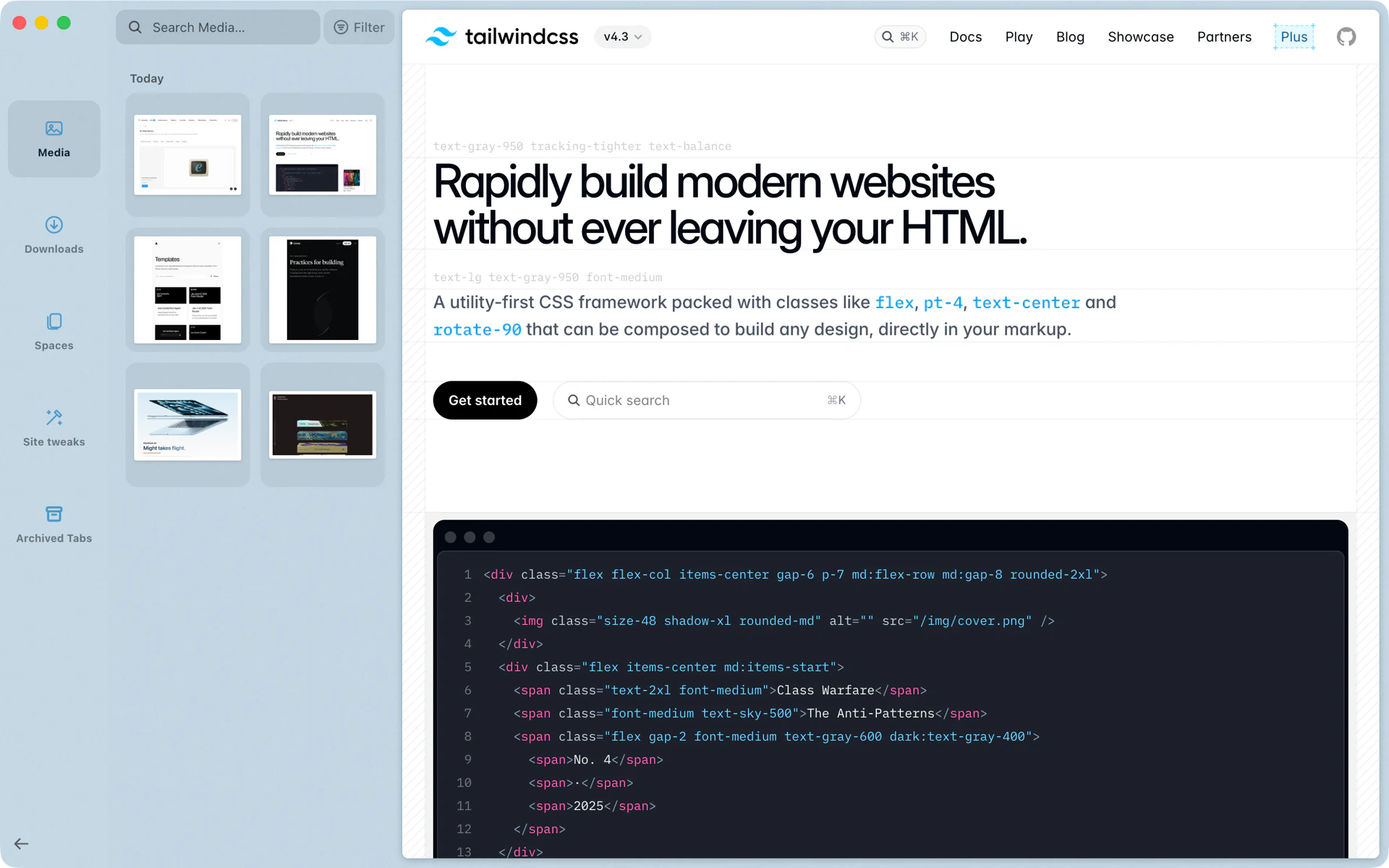
The statement you could not find
You download a statement from your bank's site and it arrives as 387494876.pdf. A month later you search Finder for it and get nothing, because the name says nothing. With Tidy Downloads, Rio renames the file as soon as it finishes, after the page you downloaded it from. It shows up under that name in the Library and in Finder, where a search finds it by its new name.
Which files get a new name
Rio only touches names that tell you nothing:
- Numbers and ids: digits, hex strings and long ids, such as 387494876.pdf.
- Generic words: download, file, document and the like, with or without a copy number, such as file (2).pdf.
A file that already has a real name, such as Q3 Board Deck.pdf, keeps it.
What the new name is
With Apple's on-device model, Rio gives the model the file's name, the page's title and its address, and asks for a clear name of two to six words. Without the model, Rio uses the page's title, shortened the same way Tidy Titles shortens a pinned tab's name.
Either way:
- The extension stays, so the file opens in the same app.
- Characters macOS does not allow in file names are replaced.
- The name is at most 60 characters before the extension.
- If a file with that name is already in the folder, the download keeps its own name. Nothing is overwritten.
- A file you moved or deleted before the rename is left alone.
What it needs
The two-to-six-word names come from Apple's on-device model, which runs on Macs with macOS 26 or later and Apple Intelligence turned on. It is free, needs no account, and nothing about your downloads leaves your Mac. On an earlier macOS, or with Apple Intelligence off, Rio names the file after the page's title.
Where downloads go
Each profile has its own download location, set in Settings, Profiles. Every download shows in the Library under Downloads, where you can drag it straight into Gmail, Slack or Finder. Tidy Downloads is on by default; switch it off in Settings, AI features.
Questions
Which downloads does Rio rename?
Only files with junk names: digits, hex strings or ids, such as 387494876.pdf, and generic names such as download, file or document, with or without a copy number like file (2).pdf. A file with a real name keeps it.
Does Rio change what is inside the file?
No. Only the name changes. The extension stays, so the file opens in the same app.
What if a file with the new name already exists?
Then the download keeps the name it came with. Rio never overwrites a file in your Downloads folder.
Where do I find my downloads?
In the Library under Downloads. Press Cmd+Shift+L to open it, and drag a file from there into Gmail, Slack or Finder.
