Tidy Titles
Tidy Titles in Rio renames a tab when you pin it. About a second after you pin a Today tab, its page title becomes a short name, without the site's name or an unread count. Double-click the title to rename it yourself. Rio is a free, open-source browser for Mac.
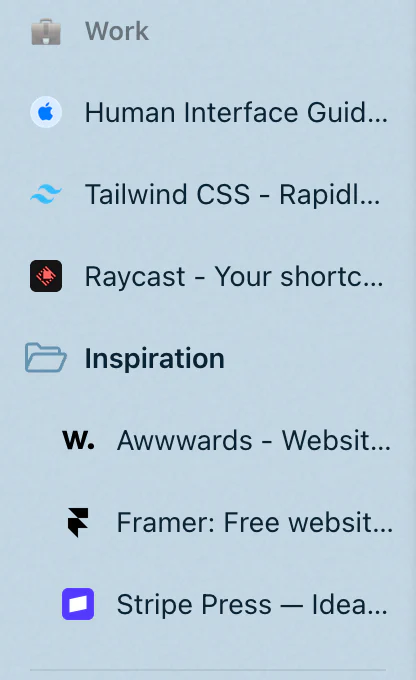
A sidebar you can read
You are writing a book proposal in Google Docs. The tab's title is Interior Design Book - Google Docs, and in the sidebar it is cut off after a few words. Drag it from Today into Pinned. About a second later the row reads Interior Design Book, and a small line under it says Double-click to rename.
What the new name is
With Apple's on-device model, Rio asks for a name of one to four words: the page's subject, such as a place, a person, a product or a document, or what the page is for. The site's own name, counts like (2) and separators go. Rio's instructions to the model give Rio de Janeiro - Wikipedia as Rio de Janeiro.
Without the model, Rio's rules do the same job:
- An unread count at the start, as in (3) Inbox, goes.
- A title made of parts, split by a dash, a bar or a dot, loses the part that is the site's name. Interior Design Book - Google Docs on docs.google.com becomes Interior Design Book.
- The first part that is left stays, cut at a word to 40 characters at most.
- A title that is only the site's name, an address, or already short stays as it is.
You stay in charge
- Only when you pin. Rio renames a tab once, about a second after you pin it from Today. If you rename or unpin it first, Rio leaves it alone.
- Your name wins. Double-click any title in the sidebar to type your own. Rio never replaces a name you gave.
- A hint, briefly. Double-click to rename shows under a tidied title until you move to another tab, or for 30 seconds.
- The page is untouched. Only the row's name in your sidebar changes.
What it needs
The one-to-four-word names come from Apple's on-device model, which runs on Macs with macOS 26 or later and Apple Intelligence turned on. It is free, needs no account, and your tab titles stay on your Mac. On an earlier macOS, or with Apple Intelligence off, Rio uses the rules above.
Tidy Titles is on by default. Switch it off in Settings, AI features.
Questions
When does Rio change a tab's title?
Only when you pin a Today tab. Tabs that are already pinned, Today tabs and favorites keep the names they have.
Does Tidy Titles change the web page?
No. It changes the name of the row in your sidebar. The page and its own title stay as they are.
How do I give a tab my own name?
Double-click its title in the sidebar and type. A name you give it is never replaced.
Does it work without Apple Intelligence?
Yes. Without Apple's on-device model, Rio shortens titles with its own rules, on your Mac.
