Today tabs and auto-archive
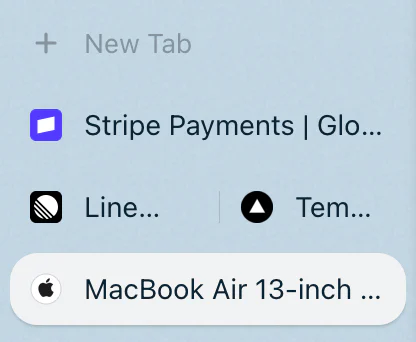
Today tabs in Rio are the tabs you open during the day. They sit below New Tab in each space, and Rio archives the ones you have not opened for 12 hours, or 24 hours, 7 days or 30 days if you choose. Pinned tabs and favorites never archive. Archived tabs wait in the Library.
A sidebar that cleans up after you
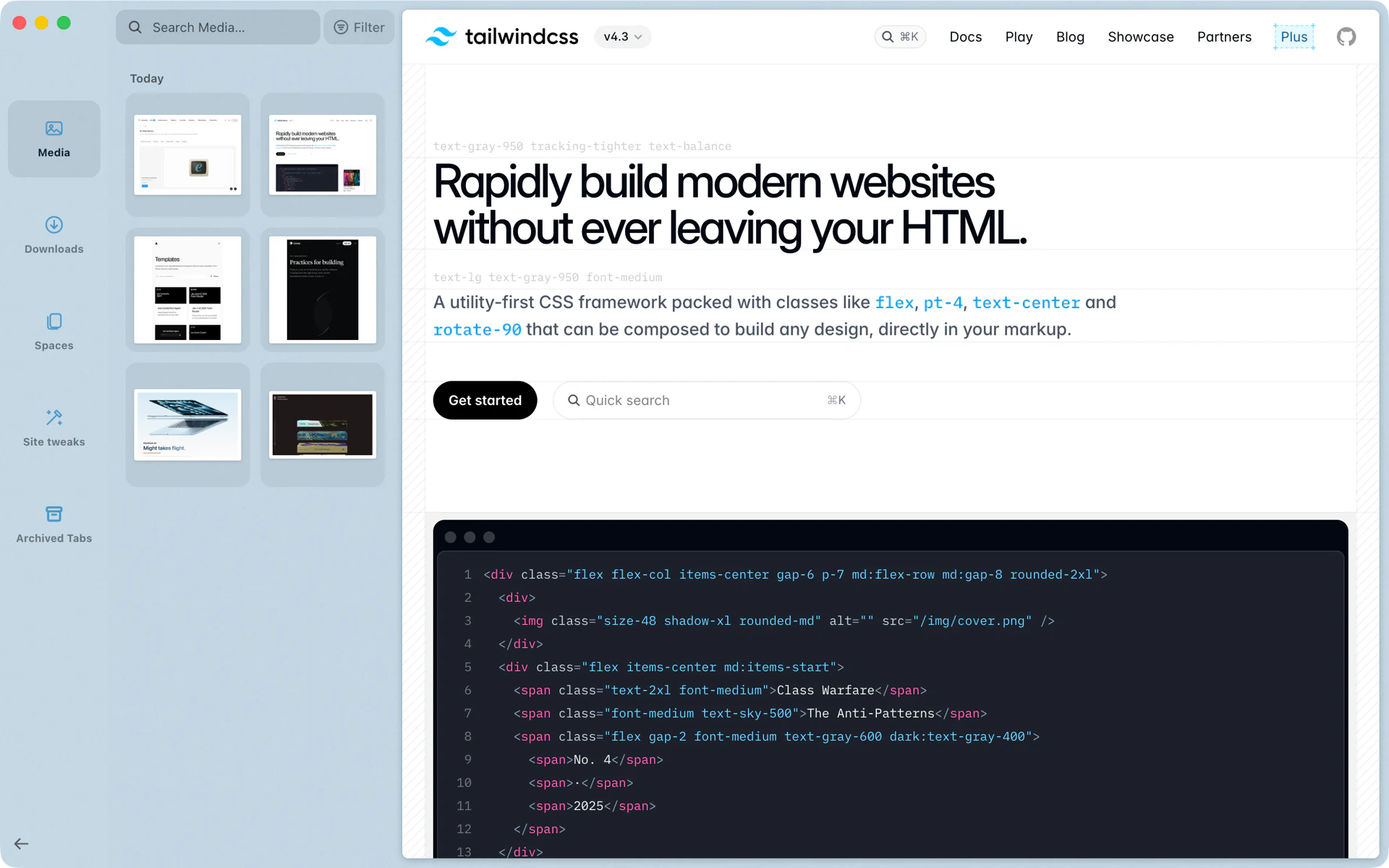
On Monday you open 20 tabs comparing vendors. By Tuesday afternoon, the ones you never went back to are gone from Today, and your sidebar shows what you are working on now. The pricing page you kept coming back to is still there. When you need Monday's spec sheet again, it is in the Library under Archived Tabs, one click from open.
Where Today tabs live
Every space has three parts in its sidebar: pinned tabs and folders at the top, then a line with Clear, then New Tab and the Today tabs under it. New tabs you open land in Today. Drag a tab up into Pinned, or press Cmd+D, when you want to keep it.
What archives, and what stays
- Archived: Today tabs you have not opened for the time you set. Rio checks every 5 minutes, at launch and whenever you change the setting.
- Never archived: pinned tabs, folders and favorites.
- Not while in use: a tab that is showing, in a split view pane, in Peek or in picture in picture, or playing sound, stays until it is idle.
- Split views move as one. The tabs of a split archive together.
- Kept for 90 days. The Library holds archived tabs for 90 days, up to 5,000 per profile.
Choosing the time
Open Settings, Profiles, pick a profile and set Archive tabs after to 12 hours, 24 hours, 7 days or 30 days. It is set per profile, so a Work profile can keep tabs for a week while a Personal profile archives after 12 hours.
Clearing by hand
- Clear, on the line above Today, or Cmd+Shift+K, clears every Today tab in the space at once. The toast has an Undo button.
- Cmd+Shift+T reopens the tabs you closed, newest first, up to the last 50.
- Tidy, the broom that shows once Today holds seven tabs, sorts what is left by topic. See Tidy Tabs.
Coming from Arc
Rio's Arc import brings your Today tabs over with your spaces, pinned tabs and favorites. See Move from Arc to Rio.
Questions
When does Rio archive a Today tab?
When you have not opened it for the time you set: 12 hours by default, or 24 hours, 7 days or 30 days. Rio checks every 5 minutes, at launch and when you change the setting.
Where do archived tabs go?
To the Library, under Archived Tabs. Open it with Cmd+Shift+L. Rio keeps archived tabs for 90 days, up to 5,000 per profile.
How do I keep a tab for good?
Pin it. Drag it into Pinned or press Cmd+D. Pinned tabs, folders and favorites never archive.
How do I clear Today all at once?
Press Cmd+Shift+K or click Clear above your Today tabs. The toast that follows has an Undo button that brings them back.
Sources
- Rio source, the Archive tabs after setting and its four choices (ProfilesPane.tsx)
- Rio source, the archive's choices and retention (archive.ts)
- Rio source, 12 hours by default, per profile (settings.ts)
- Rio source, Clear Today Tabs, Undo Clear, Reopen Closed Tab and Open Library (commands/archive.ts)
- Rio source, Today, Clear and the New Tab row in the sidebar (SpaceTabs.tsx)
- Rio source code on GitHub, including when a tab is never archived
